Tile Calculator
Tile Calculator
Calculate tiles needed with grout gap and waste factor. Works for any tile size.
DIY difficulty
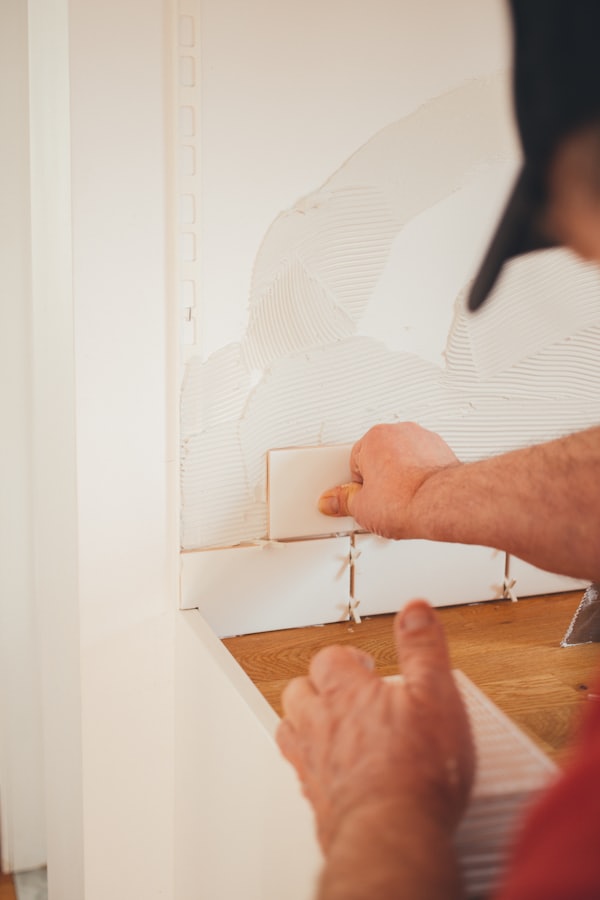
- ›Layout planning is everything — start from the center, not the wall
- ›Consistent grout lines require patience and tile spacers
- ›Cutting around outlets and fixtures needs a wet saw
Must-have tools
How to calculate how many tiles you need
Enter the area length and width in feet or inches — the room, wall section, or backsplash you're tiling.
Enter your tile dimensions. Include the grout joint in the effective tile size, or use the grout gap field.
Set a waste percentage. Straight grid layouts need 10%; diagonal or offset patterns need 15% minimum.
Enter the number of tiles per box and the price per box to get a total material estimate.
Common uses
- Calculating tile and grout for a bathroom floor or shower
- Estimating kitchen backsplash material
- Planning a patio or outdoor tile project
Frequently asked questions
How many 12×12 tiles do I need for a 100 sq ft floor?
How wide should grout joints be?
Should I buy extra tiles?
How much grout do I need for a tiled floor?
What is lippage in tile installation?
Common mistakes to avoid
- ✕Starting from the wall instead of the center — starting from a wall creates tiny slivers at the opposite side.
- ✕Ordering from different dye lots — tile color is notoriously variable between production batches.
- ✕Using standard thinset for large-format tiles — tiles 18" or larger require medium-bed mortar to prevent lippage.
- ✕Grouting too soon — most thinset needs 24 hours to cure. Grouting early traps moisture and causes adhesion failure.
Calculators you might also need
Not sure whether to DIY this project?
Read our project-by-project guide on when to hire a contractor vs. do it yourself.
About this calculator
Enter your area dimensions and tile size (including grout gap) to get exact tile count and box count. Includes waste percentage and optional cost estimator. Works for floors, walls, and backsplashes.
All results are estimates. Verify quantities with your local supplier and confirm measurements before purchasing materials. Requirements vary by region and project type.
Runs entirely in your browser - no data is sent anywhere